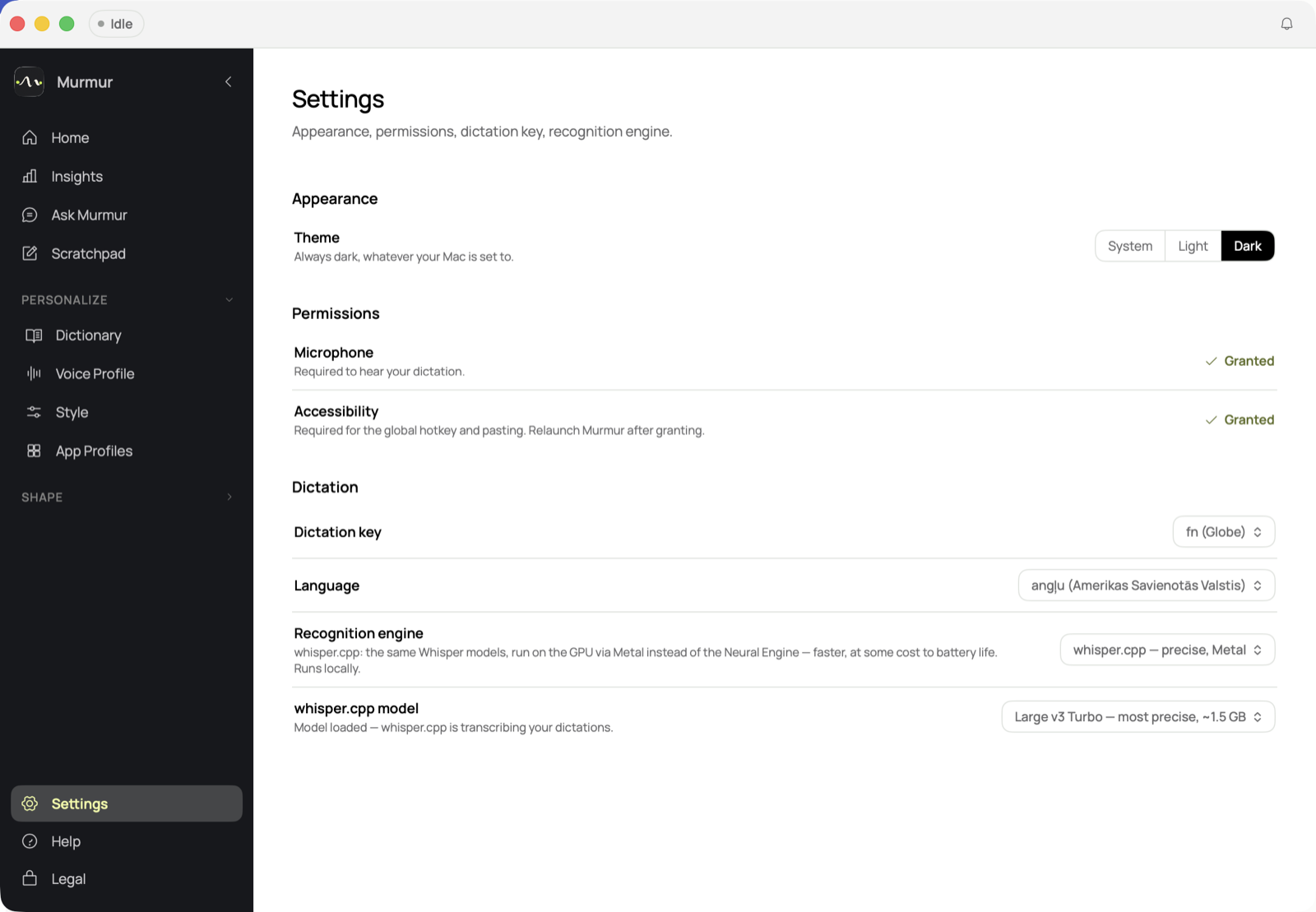
Local by default
Microphone and accessibility permissions, an on-device Whisper model — nothing about your dictation leaves the Mac.
Murmur turns speech into text locally on your Mac. It works offline, avoids cloud dependency, and gives you a ready-to-use dictation app without another monthly subscription.
No mockups here — this is the real app, running locally on macOS.
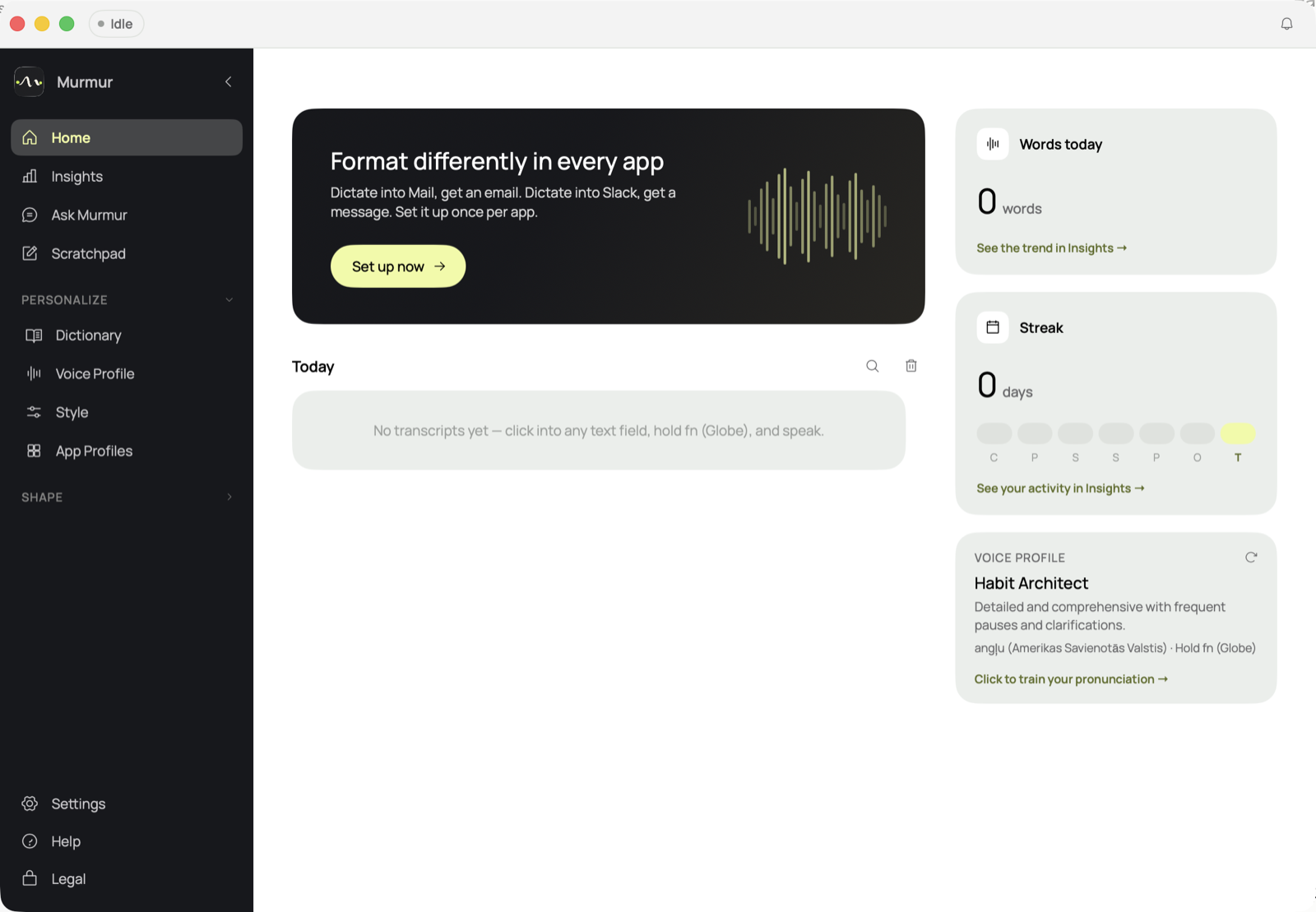
Microphone and accessibility permissions, an on-device Whisper model — nothing about your dictation leaves the Mac.
A simple three-step flow. This section is ready for final wording once the app workflow is locked.
Speak naturally into your Mac. Murmur is designed to feel like a small utility, not a complicated recording studio.
Murmur turns speech into text on your Mac, with an offline-first workflow designed around privacy.
Use the text in notes, emails, prompts, reports, journal entries, or drafts.
Murmur should make privacy visible without making the product feel technical or intimidating.
Murmur is designed around local speech-to-text on your Mac. The goal is simple: help you dictate without depending on a cloud service for everyday notes, drafts, prompts, and writing.
Murmur is for people who talk through their work and want the words to stay on their Mac.
Capture thoughts quickly before editing them into something cleaner.
Speak the rough version first, then copy or polish it.
Think out loud before pasting into another tool.
Use speech-to-text when typing slows you down.
Use Murmur for notes, emails, prompts, reports, journal entries, and rough drafts without routing every word through a cloud tool.
Built around local transcription and a privacy-first workflow, so spoken words and drafts stay on the device.
Dictate even when the internet is unavailable or when the content should stay local.
Early supporters get first access to a £29 lifetime offer before the standard price increases to £49.
Free local tools are powerful, but not everyone wants command-line setup, model management, or troubleshooting. Murmur packages the local-first idea into a focused Mac app.
Murmur is honest about what it is: private offline dictation for Mac users who want a simple utility, not a full cloud AI workspace.
Meeting bots, team admin, connected AI assistants, and heavy integrations may be better served by subscription tools.
Murmur focuses on the opposite trade-off: less cloud dependency, more ownership, and a Mac app that works out of the box.
Keep the offer clear so people understand what they are joining before they leave an email.
Exact requirements will be confirmed before early access opens.
The £29 offer is cheaper because early supporters receive the early version of Murmur before the public launch.
I wanted a simple Mac dictation app that did not depend on a cloud service or another monthly subscription. Murmur is being built for people who want speech-to-text to feel private, local, and easy to use.
The goal is not to make the loudest AI tool. The goal is to make a quiet Mac utility that helps people get words out of their head and into text.
No payment today. Join the list and get first access to the £29 lifetime offer before the standard price increases to £49.
Early supporters will get the chance to buy Murmur lifetime access before public launch. Payment is only taken once early access opens.
No payment is taken when joining the list.
Leave your email and Murmur will send the early access link when the app is ready. Early supporters receive the £29 lifetime offer first.
A quiet product should have quiet, direct answers. No exaggerated claims. No confusing payment flow.
The full privacy and terms pages are linked below, with the key early-access points shown directly on this landing page.
Murmur is being built around private, local-first dictation on Mac. The early access form only asks for the details needed to contact interested people about Murmur.
Joining the early access list does not take payment. The £29 early supporter offer is intended to provide access to the early Murmur Mac app and lifetime access after purchase.